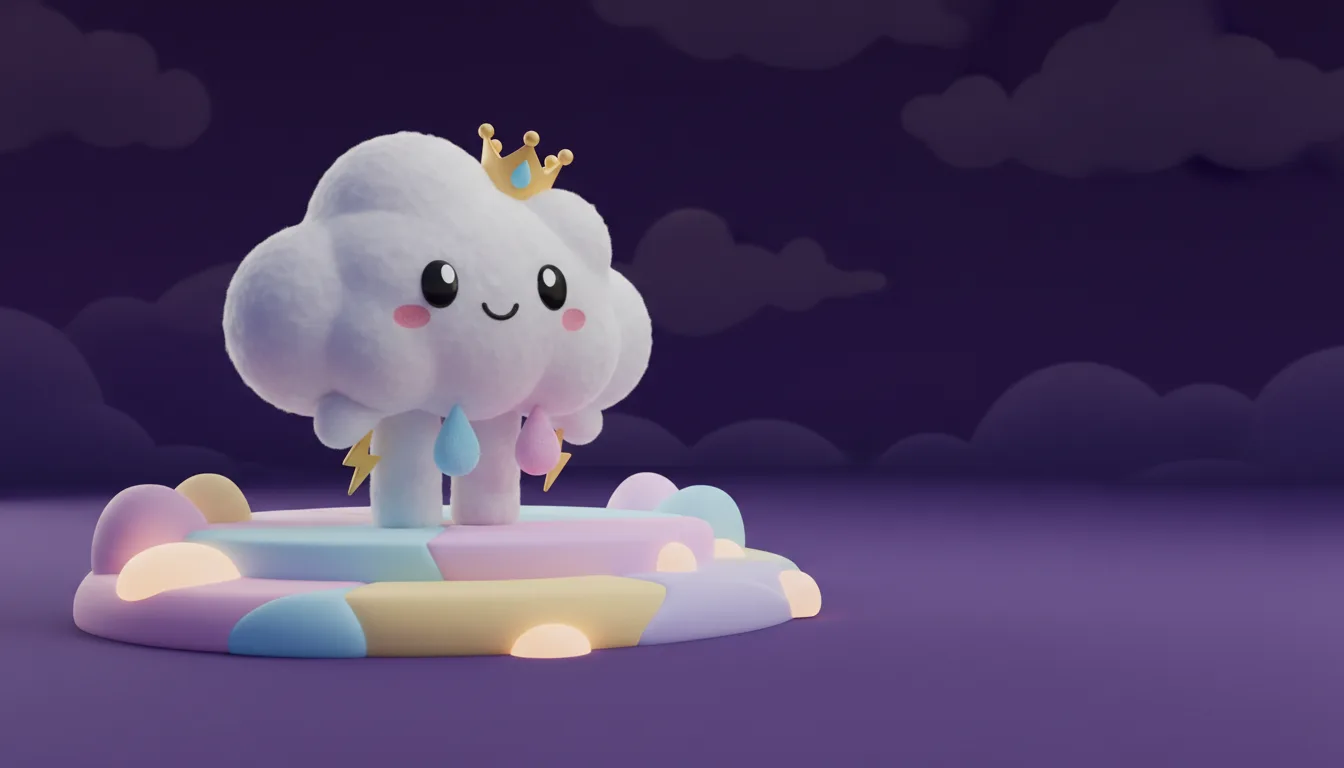
The three-layer thumbnail formula
A readable thumbnail has three layers: a background that sets the mood, one hero subject, and a short headline. The generator handles the first two. The browser overlay handles the third.
- Background: one location, one light source, no clutter.
- Hero: a single sprite or character with a clear silhouette.
- Headline: two to four words, high contrast, placed in the empty zone.
Ask for “empty space on the right” or “empty space at the top” in your prompt. The generator includes that instruction automatically, but naming the side helps.
Text that survives a phone screen
Most viewers see a thumbnail at about the size of a postage stamp. Use a short phrase, not a sentence. Keep the headline to four words or fewer. Use a solid color panel or a strong outline so the text does not disappear into the art.
- Good: “RARE SPRITE HUNT”
- Good: “ZERO BUILD TIER LIST”
- Too long: “How I Found The Rarest Sprite In Fortnite Chapter 7”
Export and upload
The overlay exports at 1280×720, the standard YouTube thumbnail size. Keep the important text inside the center 80% of the frame so a rounded corner or a duration badge does not cover it. Upload the PNG or JPG directly; do not stretch a square image into a wide frame.
Original art, not screenshots
This tool makes original fan art. It does not pull screenshots from the game. That keeps the image safe to use and avoids showing an account name, a friend code, or a chat window by accident. Always label fan-made art as fan art when the platform asks.
Prompt recipes to try
Vault glow
A tiny golden sprite floats above an open vault chest, strong blue rim light, empty space on the right for a headline.
Storm chase
A small storm sprite runs across a rooftop while lightning cracks behind it, empty space on the right.
Cozy guide
A cozy desk with a sprite figurine, a map and a mug, warm morning light, empty space at the top for text.
Frequently asked questions
What size is the export?
The text overlay exports at 1280×720, the standard YouTube thumbnail size.
Can I add my own text?
Yes. Type a short headline in the overlay field and it is drawn on the exported image.
Does it use official screenshots?
No. The background is original fan art generated from your description.
Can I use the thumbnail for a monetized video?
Use it as fan-made art and follow the platform's rules. Do not imply that Epic endorses the video.
Why is the text hard to read?
Use fewer words and a darker panel behind the text. The tool adds a panel automatically, but a very bright background can still compete.