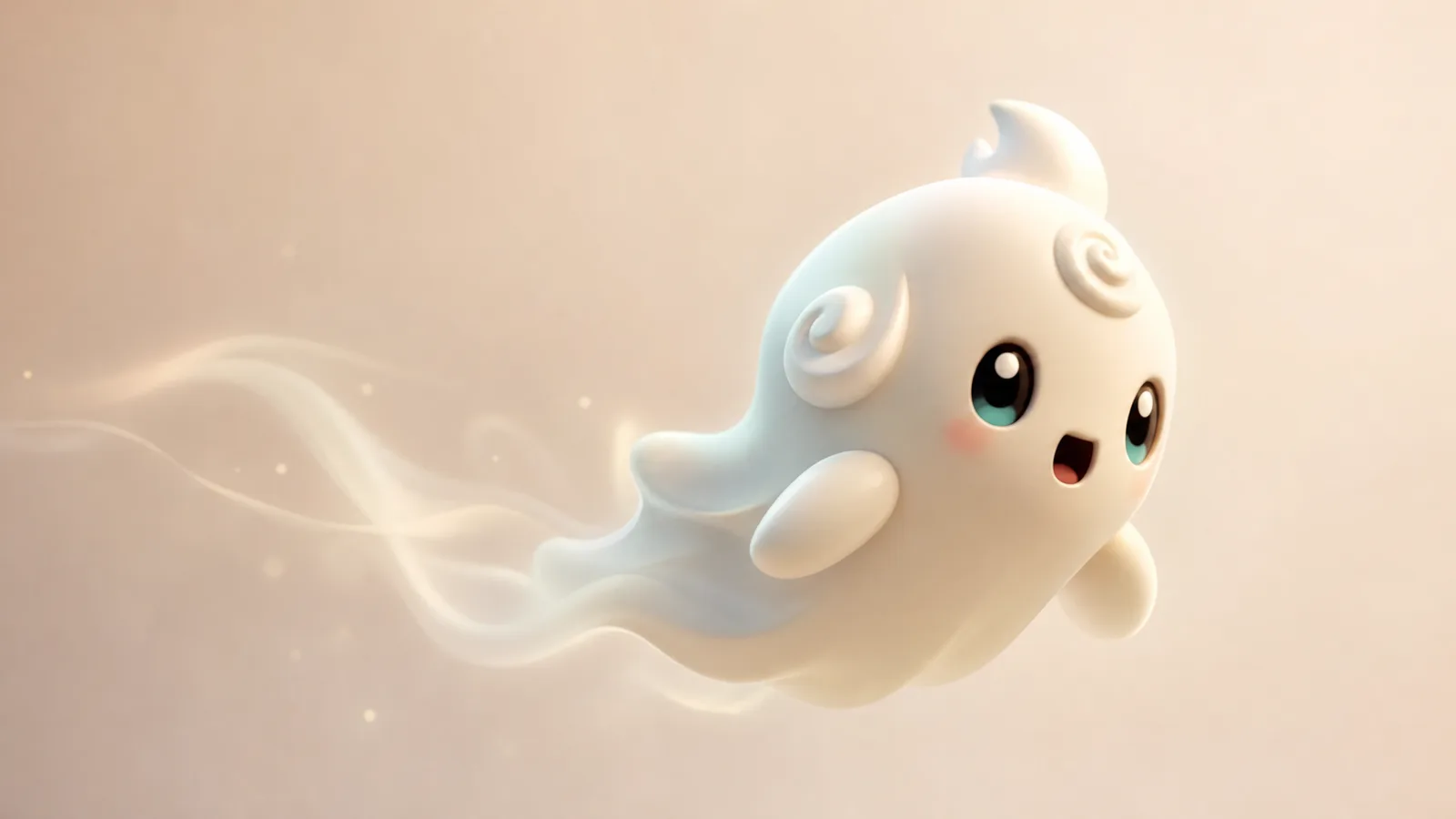
Which images animate well
The best input is a single character on a simple background, with the whole body visible and no text. Square images work well, and so do tall character sheets where the creature fills most of the frame. Avoid collages, screenshots with UI, and images where the character is cut off at the edge.
If you generated the image in the Sprite Generator, use that file directly. If you found an image online, make sure you have permission to animate and share it.
Choosing a motion preset
Short clips look better when they do one thing well. A slow float, a single wave, a chest glow, or a small hop all read clearly in five seconds. A preset that asks for a dance, a camera orbit, and a background change at the same time usually produces wobble.
- Idle float is the safest choice for a new mascot.
- Emote wave works when the arms are visible and separated from the body.
- Chest reveal suits collection or loot-themed clips.
- Glitch hop fits playful or digital characters.
How to keep the character consistent
Image-to-video models preserve the first frame, but they can still drift. Three habits reduce drift: keep the background simple, avoid hands near the face, and describe motion instead of appearance. Do not ask the model to “make it cooler” or “change the outfit”; that invites a redesign.
If the face changes, regenerate with a tighter crop. If the colors shift, lower the motion intensity or use a shorter clip. If limbs duplicate, choose a preset with less movement and try again.
What you get
The demo returns a short video file, usually five seconds, with no audio. Use it as a looping background, a fan edit insert, or the opening beat of a longer clip. Add music in your editor, not in the generator.
Five-second story beats
Treat the clip as one beat. A good beat has a start, a small change, and an end that loops cleanly. For example: the sprite looks down, then looks up as its crest brightens. Or: the sprite floats left, then settles in the center. Write the beat in one sentence before you generate.
Cost, limits, and privacy
Video costs more than a still image, so the free demo allows fewer runs per visitor. The tool does not store your upload after the request finishes beyond the provider's normal processing. Do not upload private photos or images of other people without consent.
Prompt recipes to try
Lantern drift
The sprite floats gently while a small lantern swings in its hand. Slow camera push-in, soft fog, loopable ending.
Victory bounce
The sprite does a small victory bounce, raises both arms, then settles. Keep the same costume and face.
Storm wake
The sprite opens its eyes as tiny lightning arcs travel across its crest. Calm body, stable camera.
Frequently asked questions
What image format should I upload?
PNG, JPG or WebP. A square image under 4 MB with one visible character works best.
How long is the clip?
The demo targets about five seconds. Longer clips cost more and are not enabled in the free demo.
Does the video include audio?
No. Add music or sound effects in your editor after downloading.
Can I animate a screenshot from the game?
Only if you have the right to use it. Official screenshots may have their own terms; original fan art is safer.
Why did the character change shape?
Fast motion and busy backgrounds cause drift. Try a simpler preset, a tighter crop, or a new generation.