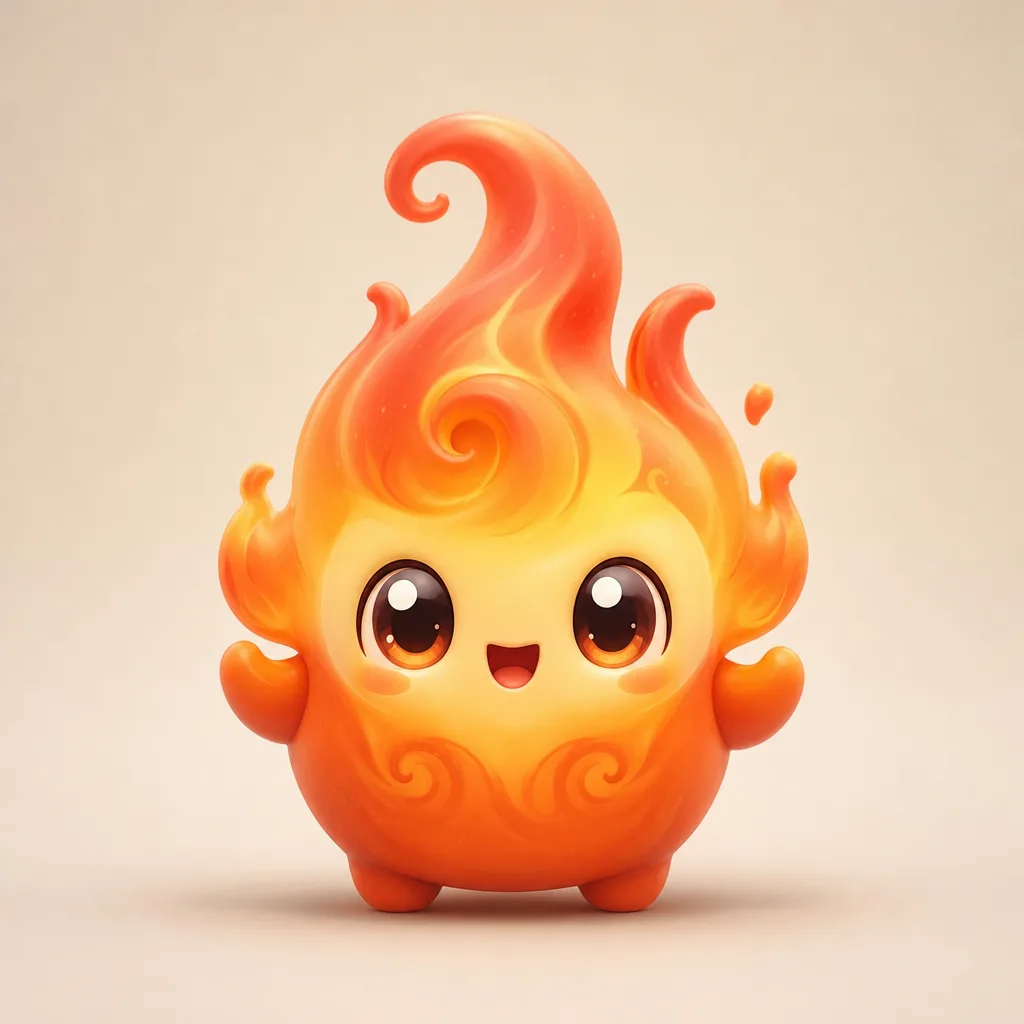
How the sprite generator works
Every generation follows the same three steps. First, describe the creature in one sentence. Focus on the subject, not on camera settings. Second, choose an element preset and a style. Third, generate and review the result. If the silhouette is wrong, change the subject line; if the material is wrong, change the style.
- Subject: what the creature is, its body shape, and one memorable detail.
- Element: fire, water, ghost, crystal, storm, leaf, or a mix.
- Look: toy render, sticker, painterly, or pixel art.
The generator writes the technical part of the prompt for you: a centered composition, a clean background, soft studio light, and a no-text instruction. You only need to supply the idea.
What makes a good sprite prompt
Good sprite prompts are short and visual. A useful pattern is body + material + one accessory + mood. For example: “a round duck mascot made of soft rubber, wearing a tiny raincoat, cheerful.” That gives the model a clear silhouette, a surface, a prop, and an expression.
Avoid three things: lists of unrelated objects, camera jargon, and requests to copy an existing character. The first produces a crowded image, the second rarely changes a mascot render, and the third is both unreliable and unfair to the original artist.
Silhouette first
Sprites read at small sizes. A strong silhouette has one dominant shape: a flame crest, a round body, long ears, or a tail. If the shape is not readable as a black cutout, the final image will feel muddy even when the colors are pretty.
One story detail
A single prop or marking makes a mascot memorable: a cracked horn, a pearl bracelet, a tiny satchel. More than one usually competes for attention.
Six sprite archetypes to try
- Elemental: flame, water, storm, leaf, or crystal. Strong color identity and easy to animate.
- Animal: duck, fox, cat, frog, or axolotl. Familiar shapes read instantly.
- Object: a potion bottle, a lantern, a teacup, or a key. Great for puzzle-themed sets.
- Ghost: soft edges, translucent materials, and floating accessories.
- Royal: tiny crown, cape, or scepter. Works well for collection tiers.
- Mischief: goggles, a slingshot, or a stolen snack. Adds personality without extra clutter.
Original fan art, not an in-game asset. Keep fan art clearly separate from official game assets when you share it.
What the generator does not do
It does not log into Fortnite, unlock items, or change your account. It does not copy a named character or a creator's artwork. It does not produce transparent cutouts on every run; the background is designed to be clean, but you may need a background remover for a true PNG cutout. And it does not guarantee a printable file at poster size; download the largest size the tool returns and upscale only if you need it.
Demo limits and fair use
The free demo is rate-limited so one visitor cannot spend the whole day's budget. Image requests are capped per visitor and per day. If the tool says the queue is full, wait a few minutes and try again. Use your own ideas and do not upload images of other people without permission.
Prompt recipes to try
Midnight ghost
A shy ghost mascot made of midnight-blue mist, tiny silver hands, one glowing star button, calm expression, centered, clean cream background.
Ember knight
A small ember knight mascot with a rounded helmet, a soft flame plume, and a tiny wooden shield, brave expression, toy-like materials.
Puddle duck
A round duck mascot made of glossy water, wearing a yellow rain hat, cheerful, one small splash beneath its feet.
Frequently asked questions
Is the AI Sprite Generator free?
The demo is free with a daily limit per visitor. The limit keeps model costs predictable and stops automated abuse.
Can I download and share the result?
Yes. Download the image and share it as fan art. Do not present it as an official Fortnite asset or sell it as a game item.
Why did my prompt get rejected?
Prompts that ask for a real person, a sexualized child, gore, or a direct copy of an existing character are blocked before generation.
How long does one image take?
Most images finish in 20 to 45 seconds. Busy periods can take longer because the request waits for a model slot.
Can I animate the result?
Yes. Download the image, open the Sprite Animator, and upload it with a motion preset.