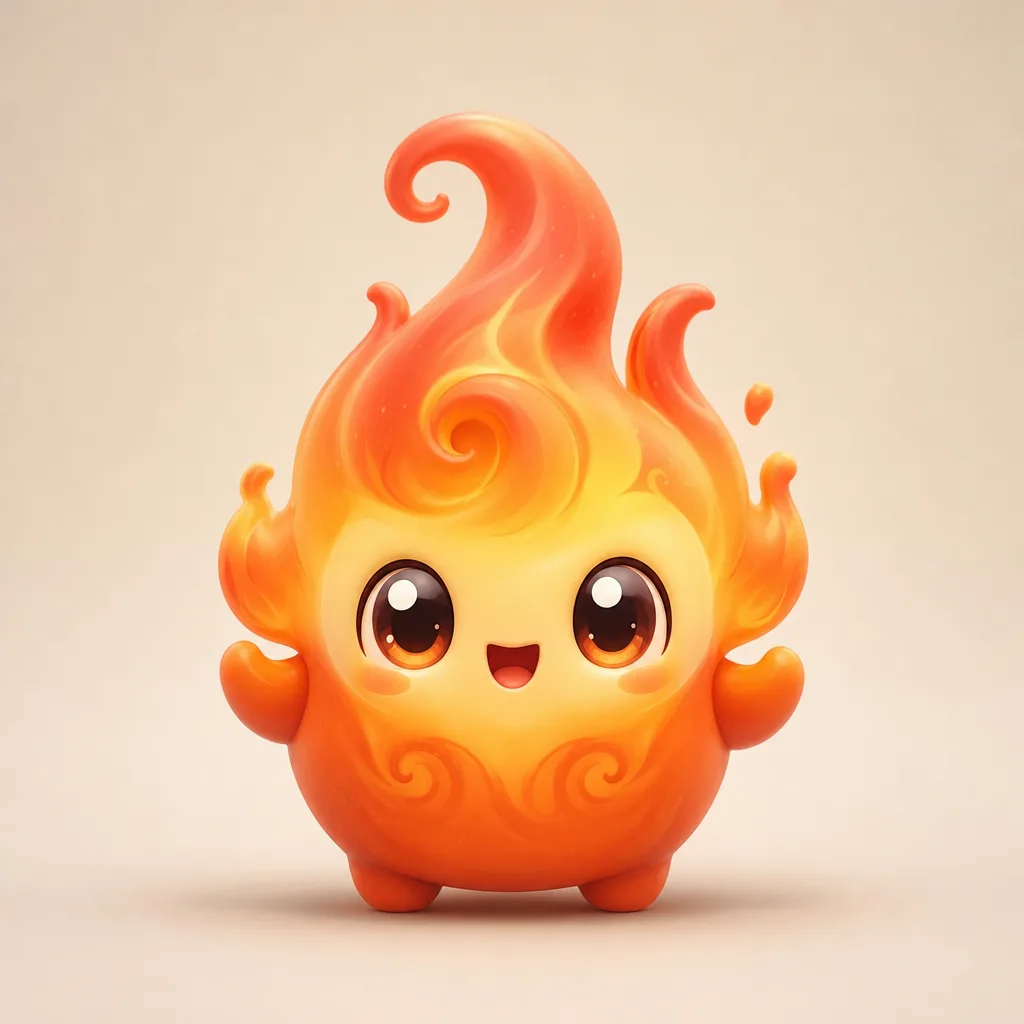
Quick answer: To make original sprite art, describe one creature with a clear silhouette, one material, one accessory, and a mood. Generate a square image on a simple background, then fix the silhouette first, the material second, and the color third.
The four-part prompt
A reliable sprite prompt has four parts: body, material, accessory, mood. The body gives the silhouette. The material gives the surface. The accessory gives the story. The mood gives the expression.
Example: “A round duck mascot made of glossy rubber, wearing a tiny rain hat, cheerful.” That is one body, one material, one accessory, one mood. The model does not have to guess what matters.
Why one accessory
Two accessories compete for attention at small sizes. A single prop reads instantly: a lantern, a scarf, a tiny crown. If you want a set, give each sprite a different prop but keep the body style consistent.
Silhouette before detail
Look at the result as a black shape. If you cannot tell what it is, the silhouette is weak. Fix the silhouette before you fix the colors. A strong shape with plain colors beats a detailed shape that reads as a blob.
- Add one dominant shape: a crest, a hood, long ears, a tail.
- Keep the arms and legs separated from the body.
- Avoid thin details that disappear at thumbnail size.
The three fixes
1. Wrong silhouette
Change the body sentence. Do not add more adjectives to the old sentence; replace it. “A tall crystal fox” is a different shape from “a round crystal fox,” and the model needs the new shape stated plainly.
2. Wrong material
Change the style, not the subject. A toy render and a sticker are different finishes. If the surface is muddy, name the material: clay, glass, knitted wool, brushed metal.
3. Wrong color
Name two colors and one accent. “Teal, cream, and a coral accent” is easier to follow than “colorful.” If the palette still drifts, remove the accessory and generate the body alone.
Working with the generator
The studio form on this page sends a short description and a style choice. Start with a preset close to your idea, then edit the description. Do not paste a long story; the model needs a compact visual brief.
Download the result and keep the prompt with it. If you iterate, you can return to the exact sentence that worked instead of guessing.
Turning a sprite into a set
Once one sprite works, build a set by changing one part at a time. Keep the body and material, change the accessory. Keep the accessory, change the element. A consistent set looks intentional; ten unrelated mascots look like a random folder.
Use the same background and the same camera angle for every member of the set. The eye reads the group as a collection when the framing is stable.
Label it as fan art
AI-generated mascots are original illustrations, not in-game assets. Label them as fan art when you post. Do not use a real person's likeness, a copied character, or a logo you do not own.
Ten prompt starters
- A round mushroom mascot with a tiny lantern and a sleepy expression.
- A paper crane creature with folded wings and ink-brush textures.
- A storm cloud pup with lightning-shaped ears and a brave grin.
- A glass frog with visible colorful organs and a soft glow.
- A desert cactus mascot with a flower hat and tiny boots.
- A moon rabbit with a crescent staff and a calm face.
- A lava snail with a cooling shell and ember trails.
- A library owl with a tiny scarf and a book under one wing.
- A snow fox with icicle whiskers and a warm scarf.
- A tiny train creature with a lantern face and brass wheels.
Use these as starting points, not as final prompts. Add one material and one mood to make them yours.
An iteration log
Keep a simple log for each sprite: prompt, style, result, and one change for the next run. After five runs, you will see which sentence is doing the work. Most improvements come from changing one noun, not from adding ten adjectives.
Example: “Run 1: too soft. Change material from clay to glass. Run 2: shape better, color muddy. Add two-color palette. Run 3: good.” The log turns a slot machine into a process.
Fix table
| Problem | First fix | Second fix |
|---|---|---|
| Unreadable shape | Change the body noun | Remove the accessory |
| Muddy surface | Name the material | Switch the style |
| Cluttered image | Remove one prop | Simplify the background |
| Wrong mood | Add one emotion word | Change the pose |
A quick art checklist
- Can I describe the body in one noun?
- Did I name one material?
- Is there exactly one accessory?
- Did I choose a mood word?
- Does the shape read as a silhouette?
- Is the image labeled as fan art?
If the silhouette fails, no amount of detail will save it. Fix the shape first.
What to do next
- Write a four-part prompt: body, material, accessory, mood.
- Generate one square image.
- Change one part and generate again.
- Keep the prompt with the image you like.
A set of five consistent sprites is more impressive than twenty random ones. Consistency is the design.
Keep a prompt log
Record six fields for every image you keep: the prompt, the model, the aspect ratio, the seed if the tool shows one, a rating from one to five, and one sentence about what to change next time. This turns generation from a slot machine into a design process. When a result works, you can repeat it. When it fails, you know which variable to change instead of rewriting the whole prompt.
Generate in small batches, change one variable per batch, and delete failures after noting why they failed. A log of twenty named prompts is more useful than two hundred unnamed files. Keep the character original: do not copy another artist's character, do not sell images that use game logos, and label the result as fan art. The log is also your license record, so note when an image was made and which model produced it.
Frequently asked questions
Do I need a long prompt?
No. A short prompt with one body, one material, one accessory and one mood works better than a paragraph.
Can I use the art in a video?
Yes, as fan art. Follow the platform's rules and do not imply that Epic endorses the video.
How do I make a matching set?
Keep the body, material and framing; change one element or accessory per sprite.
Why does the generator avoid text?
Image models often render text badly. Add labels in an editor instead.